
Step-By-Step
-
Step 1 – In an Incognito tab on Google Chrome, click on the following link:
https://www.adobe.com/ae_en/acrobat/online/compress-pdf.html -
Step 2 – Drag and drop the file to or upload by clicking on ‘select file’
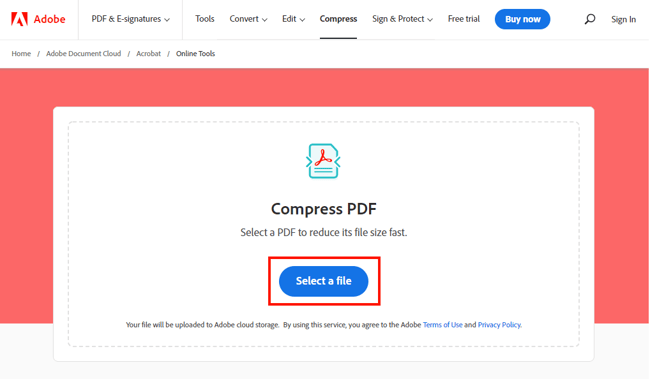
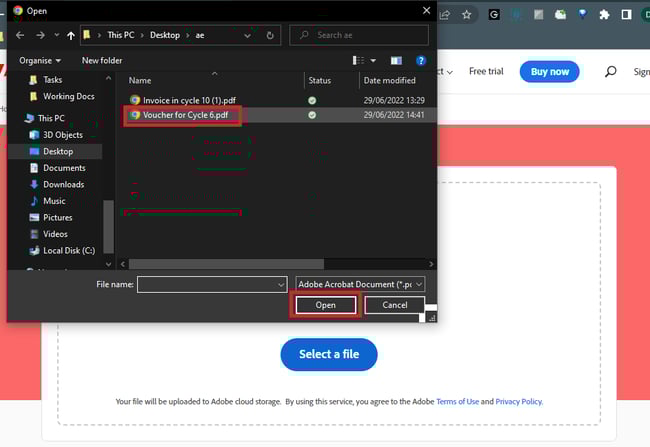
Wait for a moment till your file gets uploaded! -
Step 3 – After uploading your file click on the best option that suits your purpose.
For PMS uploads, please make sure the file after compressing must be less than or equal to 5MB.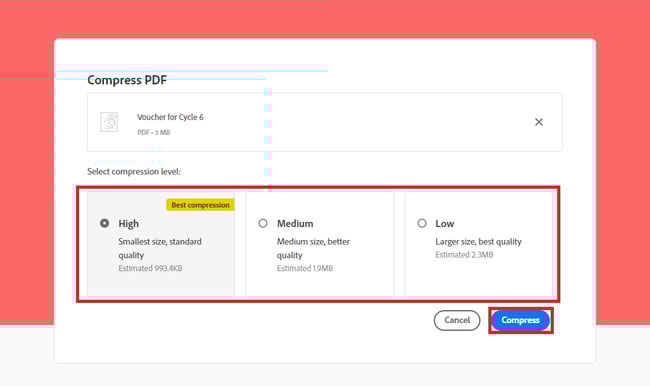
Wait for a moment while your file is compressing.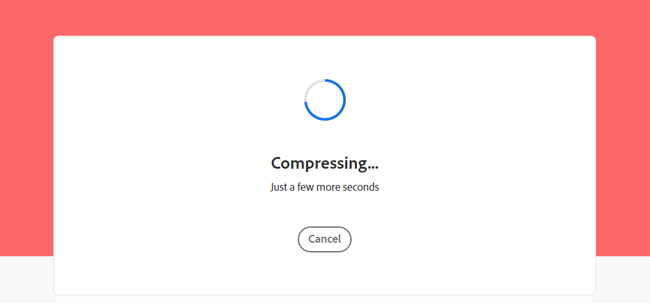
-
Step 4 – Finally, your compressed file is ready to download.
 IMPORTANT
Adobe Online Services and its compression tool have been approved to use internally. No data or backup is stored on Adobe servers.
 Going Further
Check our article dedicated to Image to PDF Document Conversion.