
Table of Contents
Axios backgrounds for your meetings
Keyboard shortcuts for Teams
CTRL + N Create a new chat
ALT + SHIFT + N Schedule a meeting
CTRL + SHIFT + M Mute or unmute yourself during meetings
CTRL + Spacebar (hold) Temporarily unmute yourself. Unhold to mute again.
Meeting Etiquette
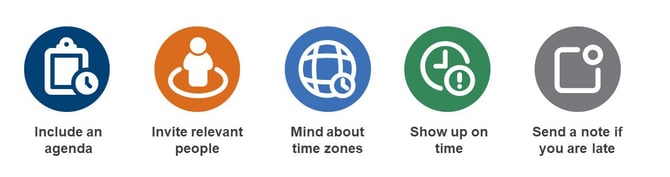
- Always include an agenda in your meeting’s invite.
- Make sure to invite relevant people - do not invite for the sake of inviting.
- Be mindful of time zones and working hours.
- Show up on time - culturally, "on time" means different things in different parts of the world. In the corporate world, and in a global/international setting such as Axios, "on time" means at the time of the meeting.
- If you will be late, drop a quick note in the chat. It’s free, and it gives the other person a heads up.
 Best Practice
Remember to stay on mute during a meeting, to avoid unwanted disturbance.
Meeting room booking app
Room booking is convenient and also mandatory, to ensure people can organize their meetings as planned. Remember to use the Book a Room application.
Axios backgrounds for your meetings
Personalize your background when your are switching on your webcam with the Axios backgrounds. They are available here.
 Going Further
Make sure to check our useful tips for Microsoft Outlook and our other Productivity Tips.