
MedPack Details
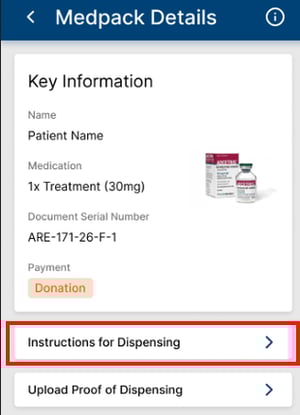
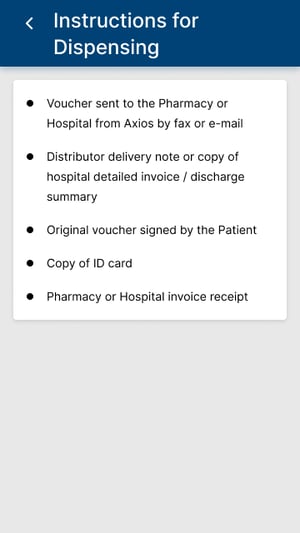
Prior to dispensing a MedPack, pharmacists can view instructions tailored for them and per program to dispense the medication by clicking the Instructions for Dispensing button on the MedPack Details Screen. Instructions can include expiry dates, necessary documents or other conditions for dispensing.
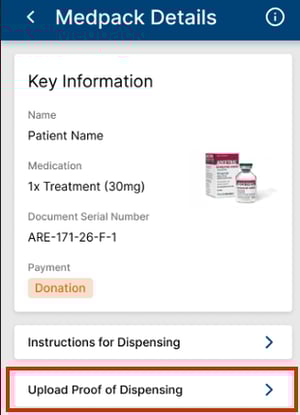
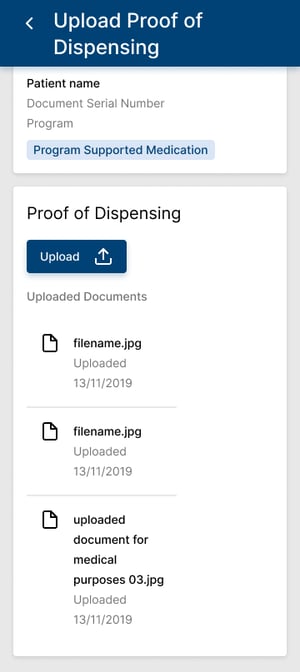
Pharmacists can also upload proof of dispensing for the MedPack by clicking the corresponding button on the MedPack Details screen. Proof of dispensing can vary depending on the program.
 Good to Know
Proofs of dispensing can be as standalone or in combination with documents uploaded by the patients through MyHealth.
The upload functionality is the same across the applications. Permissions prompts will occur on first upload. Pharmacists can review the photos before submitting, and retake if needed. All uploaded pictures are received by the program staff and directly in the patient's corresponding MedPack.
Upon completing the upload, the pharmacist is notified in the application that the upload is successful. Should the upload fail for any connectivity or system reason, pharmacists are also notified and encouraged to try again.
Dispensing and Validation
An added security measure is now in place on all Axios MRLs. Each letter has a unique security code. Once all proof of dispensing has been uploaded, pharmacists can enter this security code in the MedPack details and immediately validate dispensing.
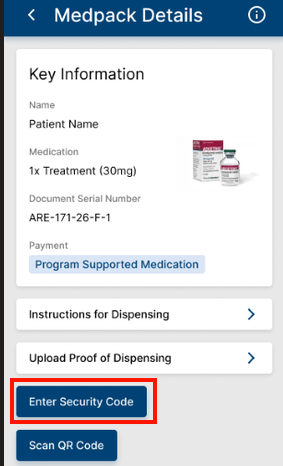
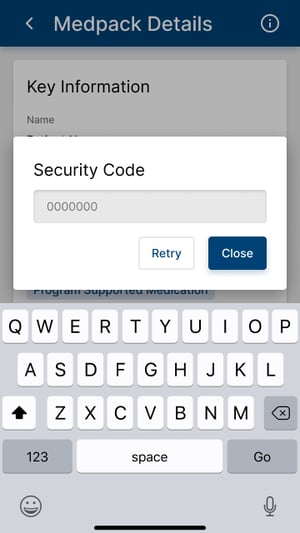
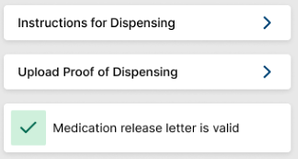
Once the security code is entered successfully, the MedPack is shown as validated from the pharmacist side. Axios staff will then verify all documents and validate the MedPack, eventually completing a cycle in the patient’s treatment plan.
 Going Further
Learn more about the MyPharmacy mobile application by checking our dedicated articles: