
Downloading the App
To download MyPharmacy for Pharmacists:
-
Open the Google Play Store (Android phones) or the App Store (Apple iOS devices)
-
Search for “MyPharmacy for Pharmacists”, or “Axios International”
-
Click on Install (Android phones) or Get (Apple iOS devices)
Alternatively, scan the QR codes below to be redirected to the correct app on the Stores.
| Android & iPhone |
 |
Logging in
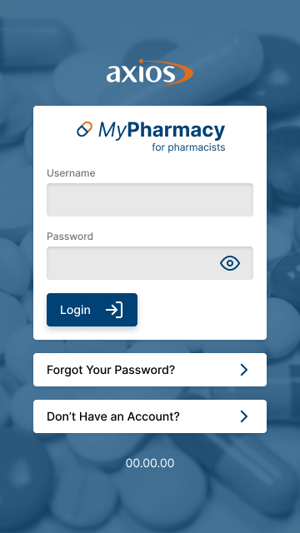
Logging in to the application gives you access to a host of functions for your Pharmacy. To log in the Pharmacy app, simply open the application and complete the steps below.
-
Enter Username
-
Enter Password
-
Click Login to proceed to Main Screen.
In the case of incorrect credentials, the page shows a dialog box informing users of the error.
 Going Further
Learn more about the MyPharmacy mobile application by checking our dedicated articles: