
Navigation
Upon successful login, the physician is immediately greeted by an overview of all the patients referred by the physician.
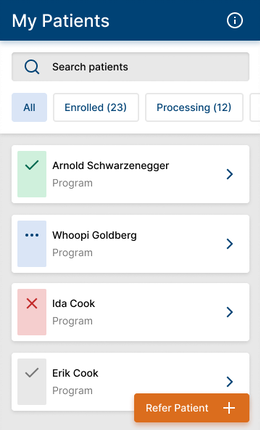
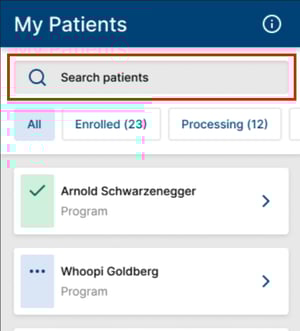
Users can filter through patient status or search patients by name to consult their journey.

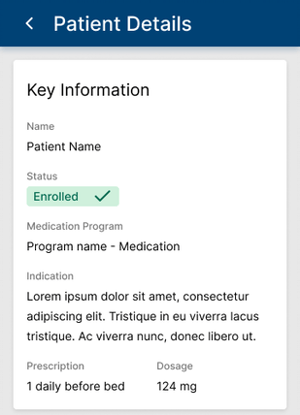
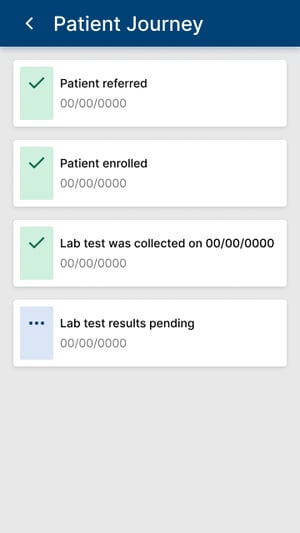
On the Patient Details, they are informed about which program the patient is enrolled into, which indication and prescription they have recommended, and additional information. Physicians can consult the patient's journey to monitor the evolution and be informed of any milestone in the treatment.
 Going Further
Learn more about the MyPatients application by checking our dedicated articles: